
For food packages and shopping receipts
Know what you’re buying.
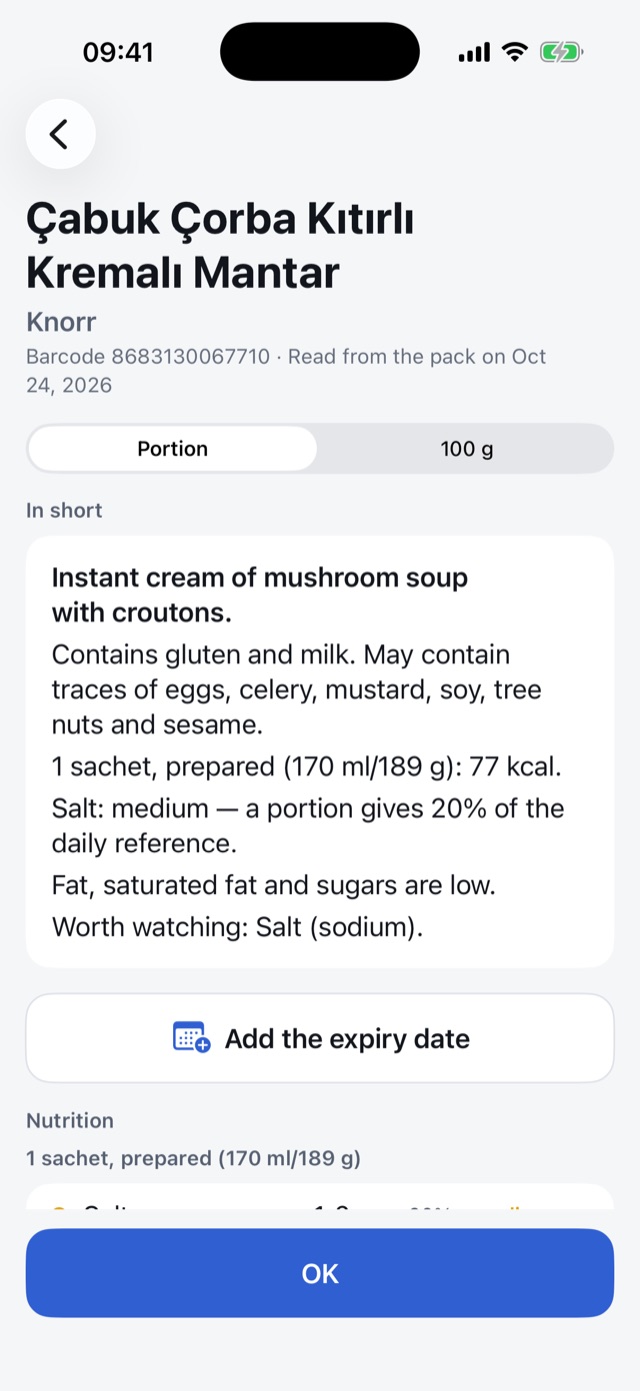
Scan the barcode or photograph the ingredient list. Unveo tells you the allergens, the nutrition and what needs care, in plain words.
App StoreGoogle PlayComing soon
How it works
- Scan the barcodeA product we know opens right away.
- Photograph the labelFor a product we don’t know yet, photograph its ingredient list and nutrition table; Unveo reads them.
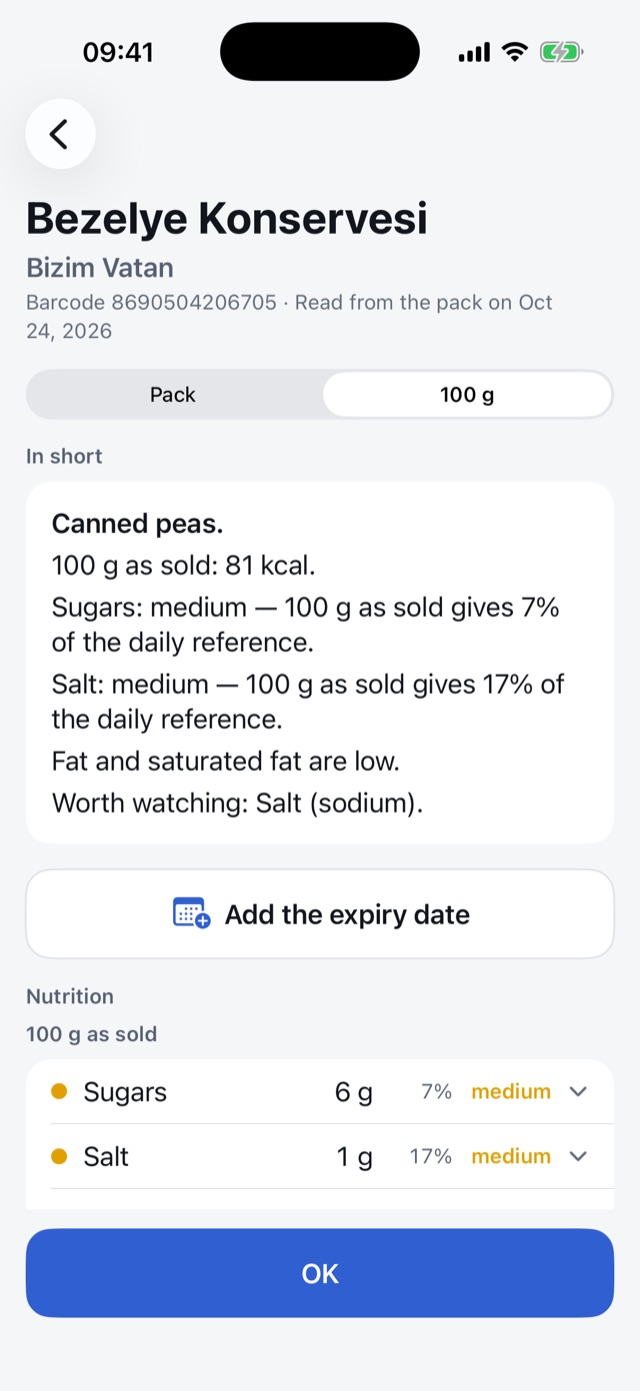
- See the resultAllergens, trace warnings, sugar, salt and fat levels at a glance.
What it tells you
- Allergens and tracesThe EU’s 14 allergen groups, and the “may contain” warnings the pack prints.
- Sugar, salt and fatLow, medium or high: for the whole pack, per 100 g or per portion.
- Your region’s rulesTells you when an ingredient is not allowed in Türkiye, the EU or the US.
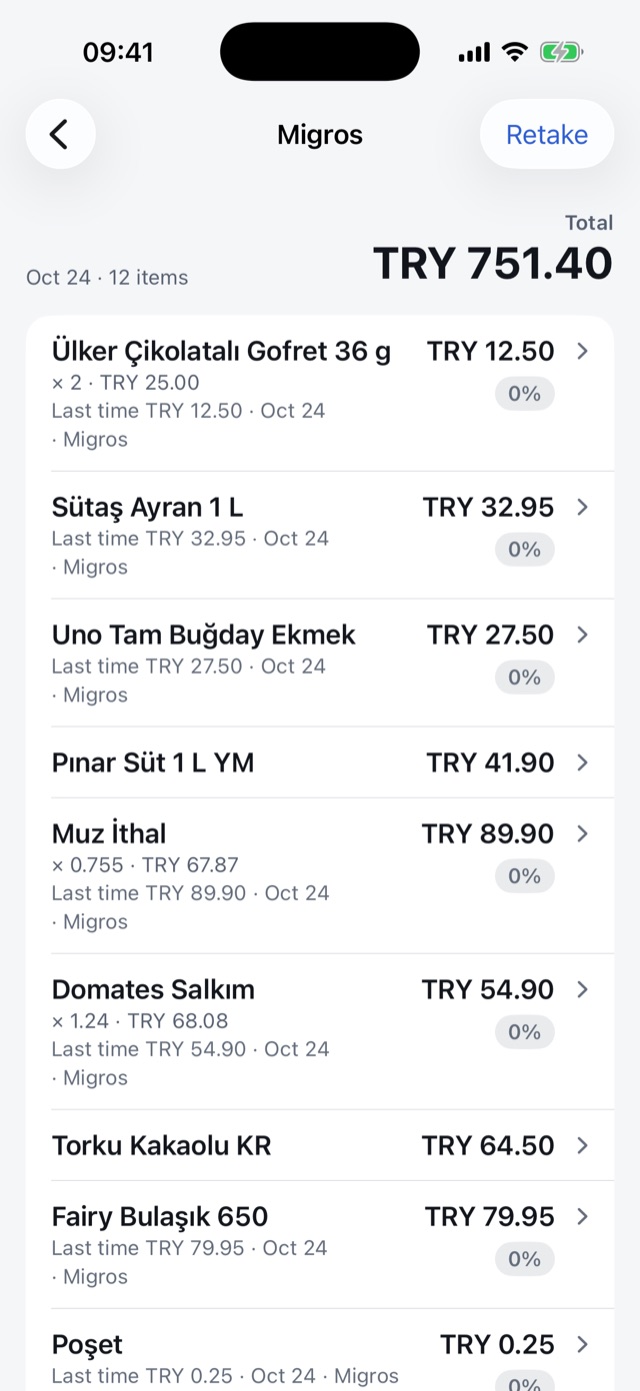
- Receipts and price historyPhotograph your receipt: what you bought is kept with its price, and next time you see the difference.
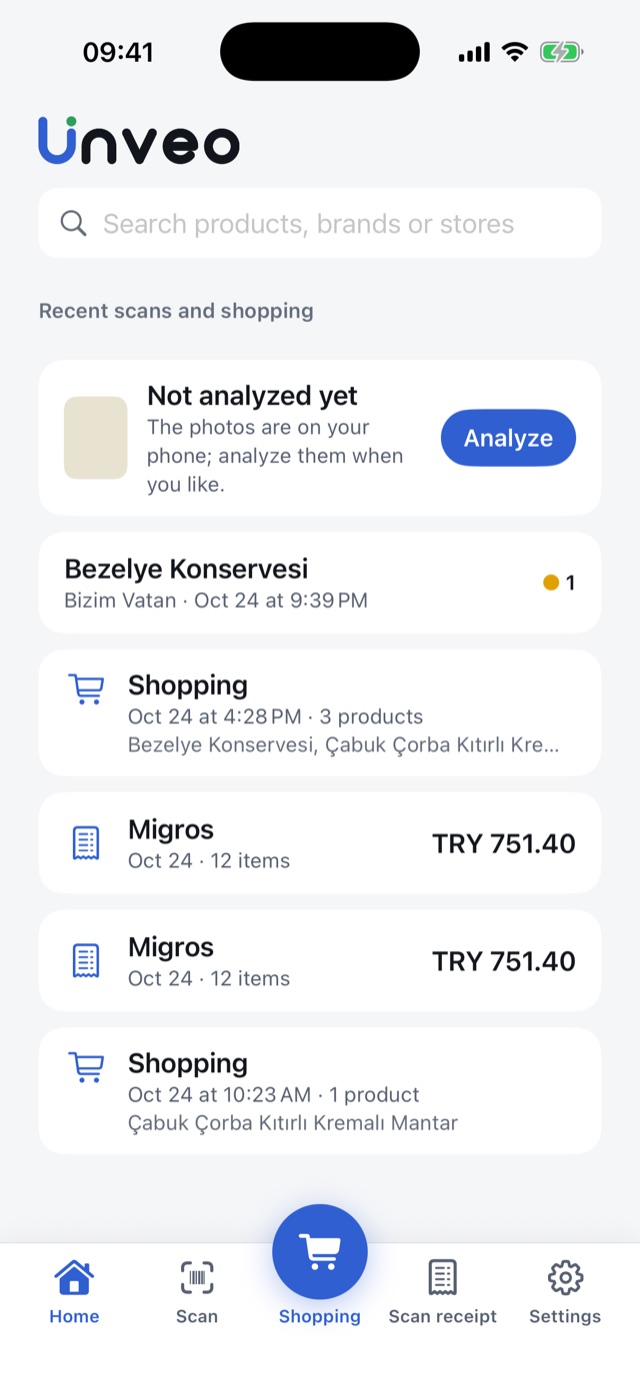
- Your shopping in one placeWhat you scan in the store is gathered in one shopping trip; you can add the receipt later.
- Even offlinePhotos wait on your phone and are read once you’re back online.
Inside the app
Your privacy
- No ads, no tracking. We never sell your data.
- Only the photos you choose to analyze leave your phone, and they are deleted 30 days after they are read.
- You can delete your account in the app at any time.
Questions
Is Unveo free?
It is free for now. There is a daily reading limit, so that Unveo can stay free.
Which products does it work with?
Packaged food: any product with a barcode or a readable label.
How accurate is the information?
Product information is read from a photo of the package; it may be wrong or out of date. It is not medical advice. If you have an allergy, always check the package itself. If something looks wrong, you can report it from the result.
Why do I need to sign in?
Your history, shopping trips and receipts belong to your account. You sign in with Apple in one tap.
Which languages?
Turkish, English, German and French.
App StoreGoogle PlayComing soon
Questions? Write to support@unveo.app